3D Printing
Welcome to the 3D Printing section! Here you'll find projects, tips, and resources related to 3D printing.
My 3D Printer
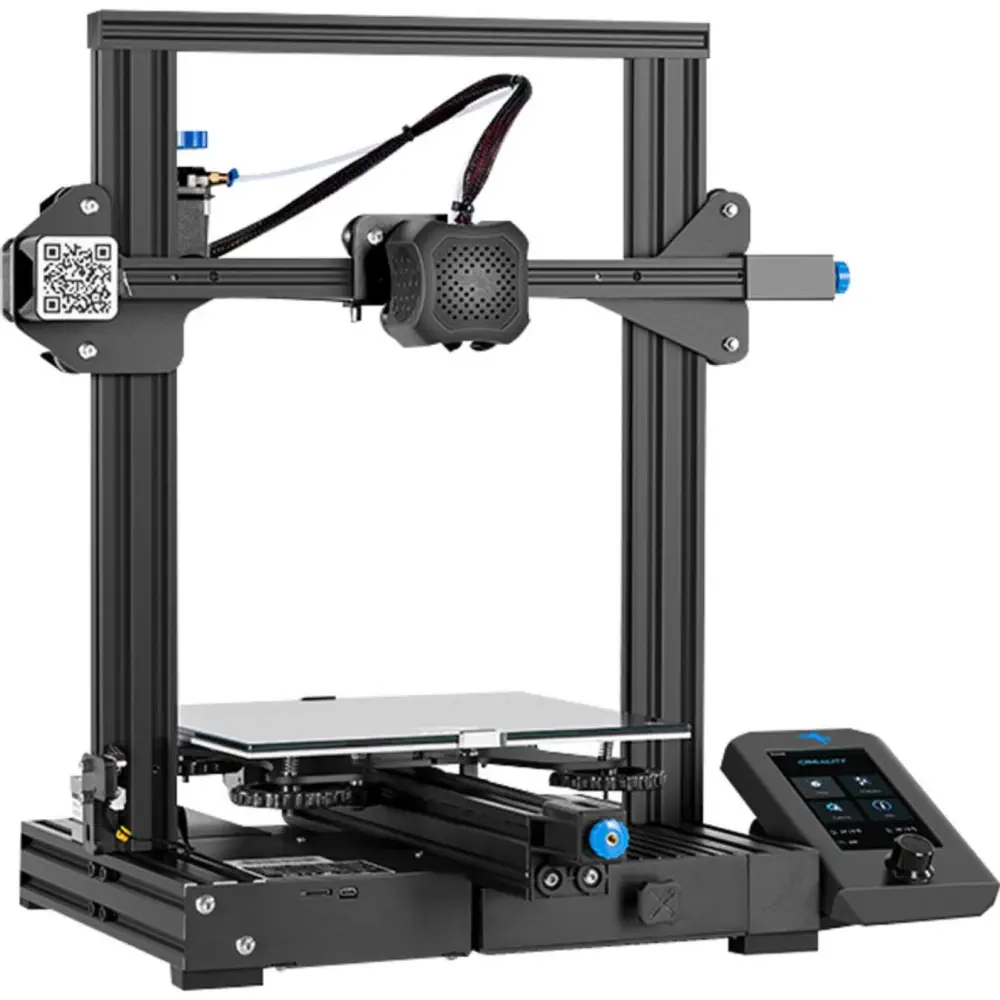
Ender 3 v2: My main printer for all my projects. Reliable, precise, and easy to use.
My 3D Printing Settings
- Print Temperature: 210°C for PLA+, 200–205°C for Silk PLA (glossy finish)
- Bed Temperature: 60°C for PLA+ and Silk PLA
- Print Speed: 50mm/s normally, 30mm/s for detailed models, up to 75mm/s for quick prints
- Supports: Tree supports for overhangs and complex geometries
- Infill: 20% for most prints, 30%+ for functional parts
- Cooling: Enabled for PLA+ and Silk PLA; fan speed 100% after first few layers
My 3D Printing Software
I use Cura for slicing, MakerLab for custom designs, Tinkercad for beginner-friendly modeling, Printables for downloading community models, and OctoPrint to control prints remotely via OctoEverywhere.
My 3D Prints
Some of my favorite prints:
-
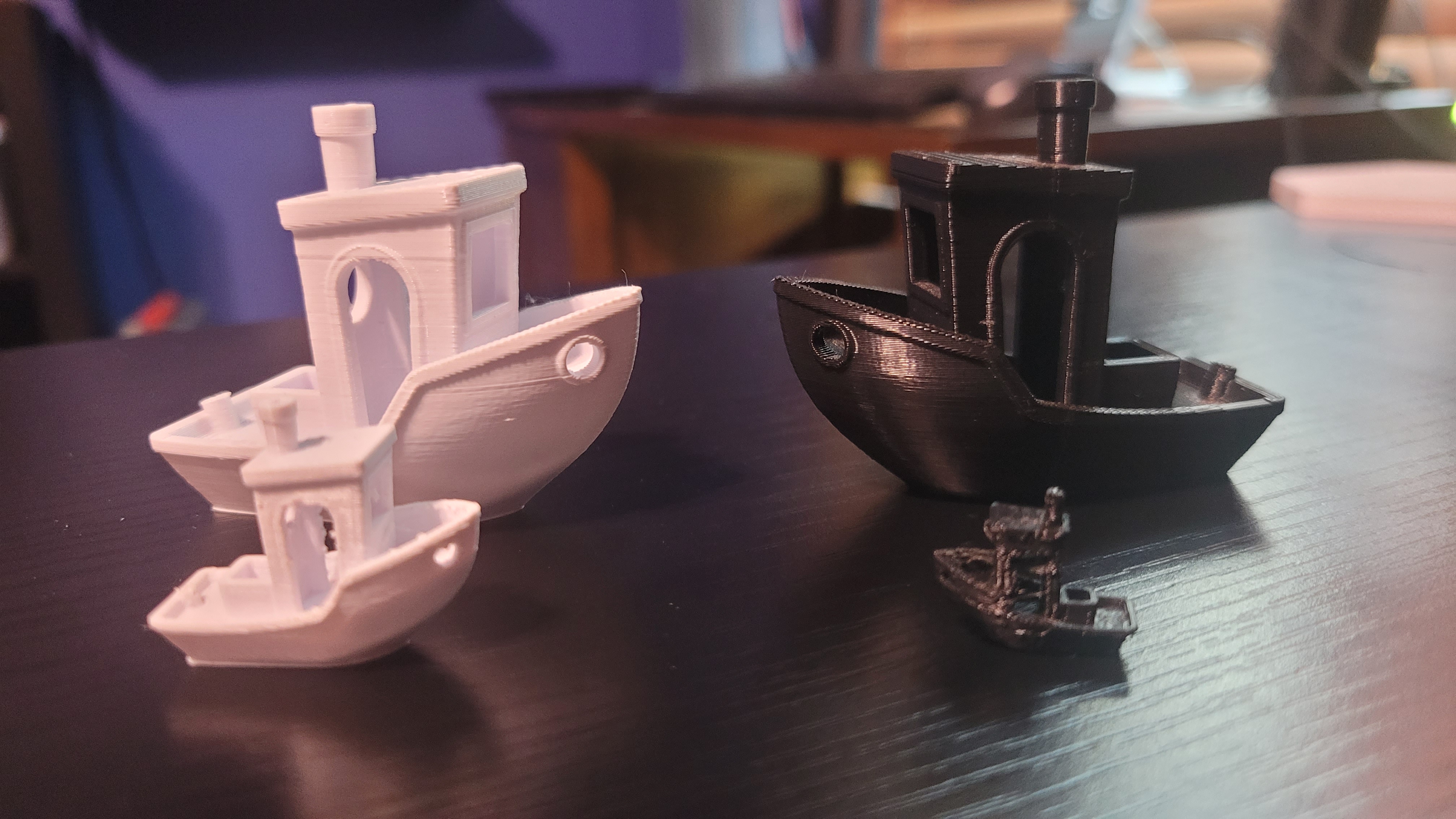
Benchy: A test print to showcase printer capabilities.
Thingiverse
-
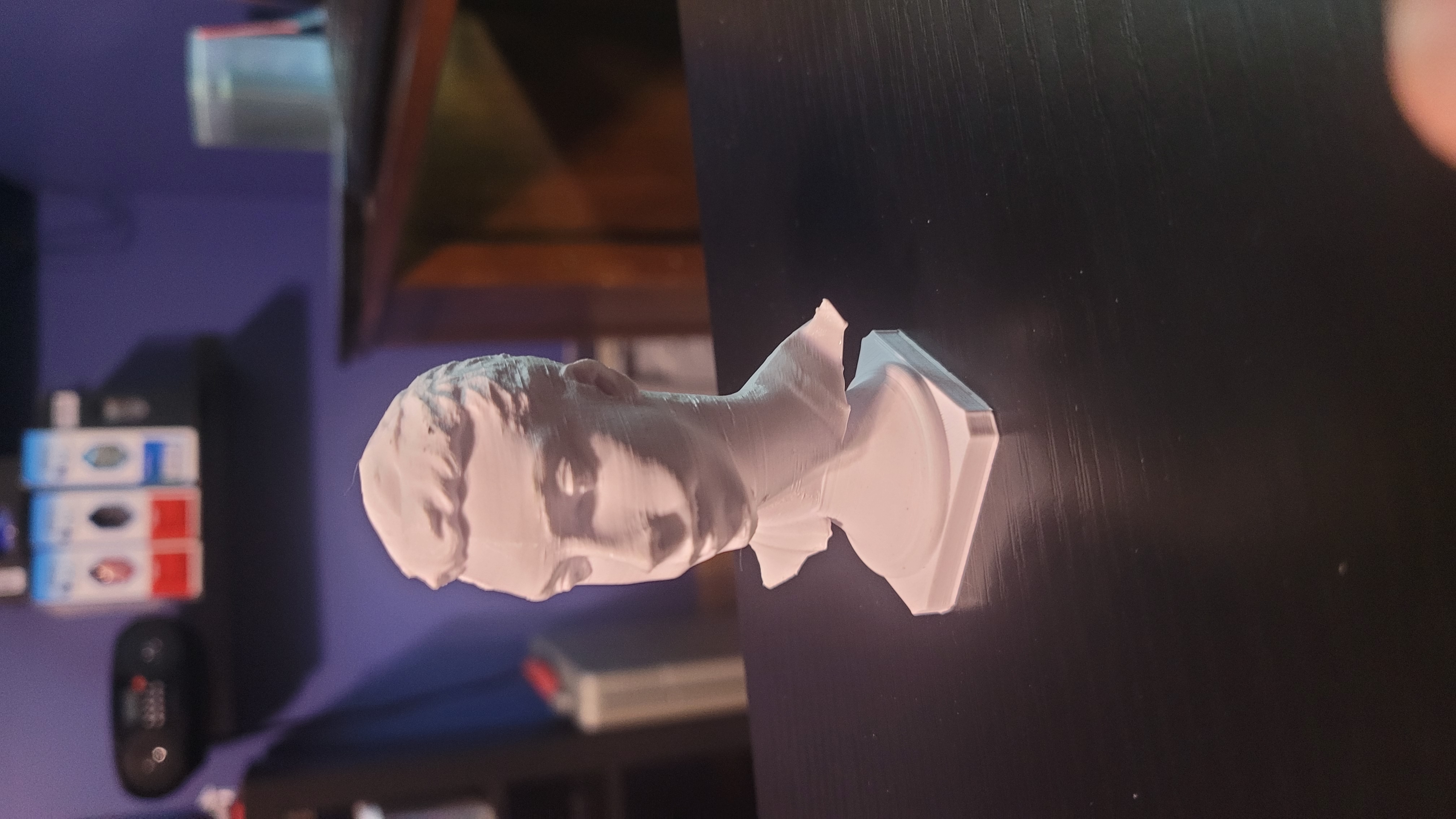
My Head: A 3D model of my head designed in MakerLab.
-
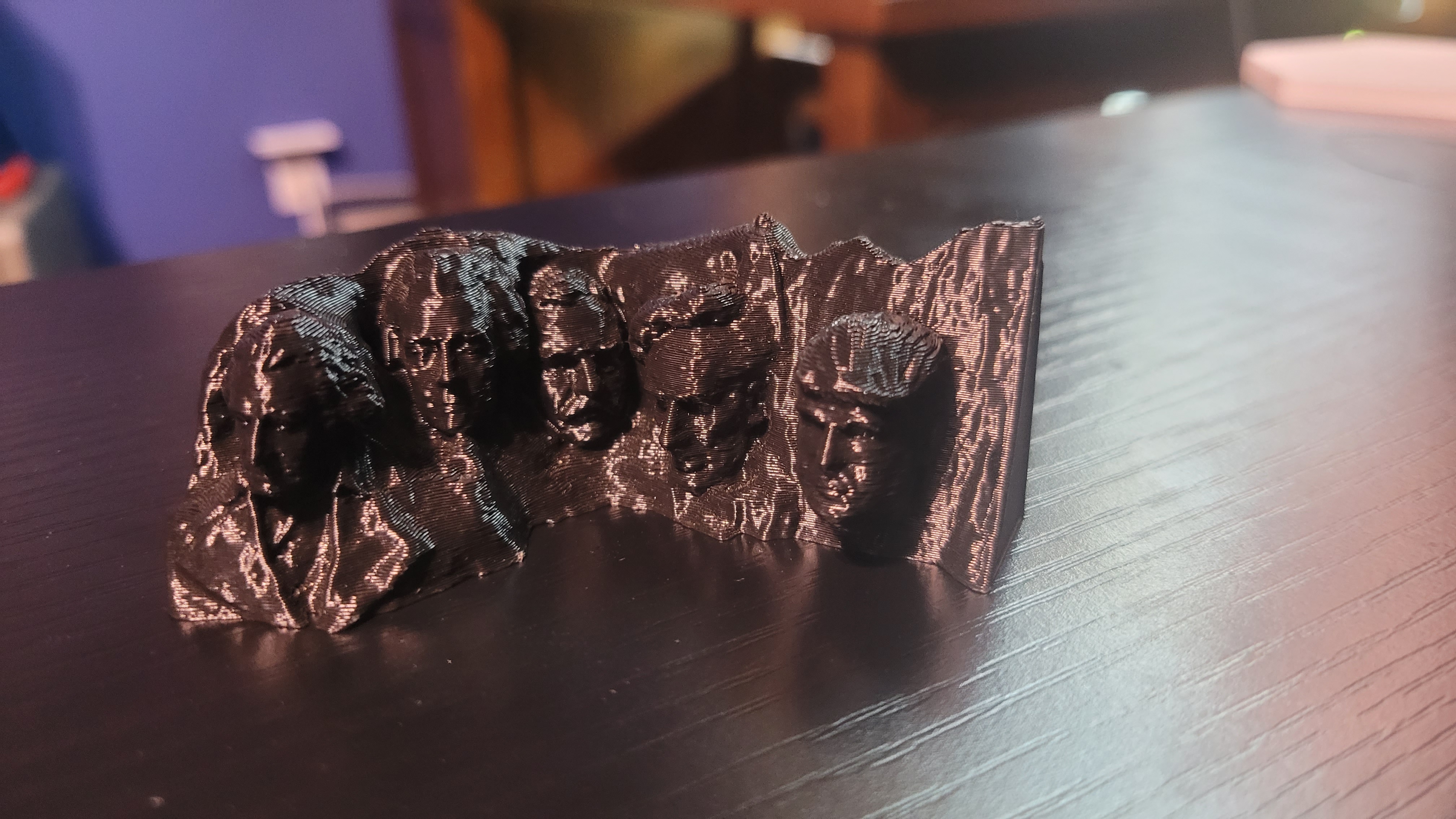
Trump on Mount Rushmore: Fun model featuring Donald Trump.
-
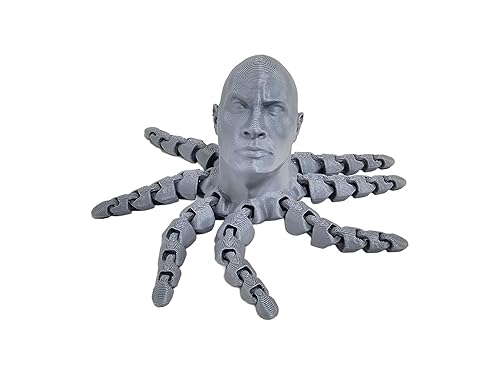
Rocktopus: Dwayne Johnson as an octopus!
Thingiverse
-
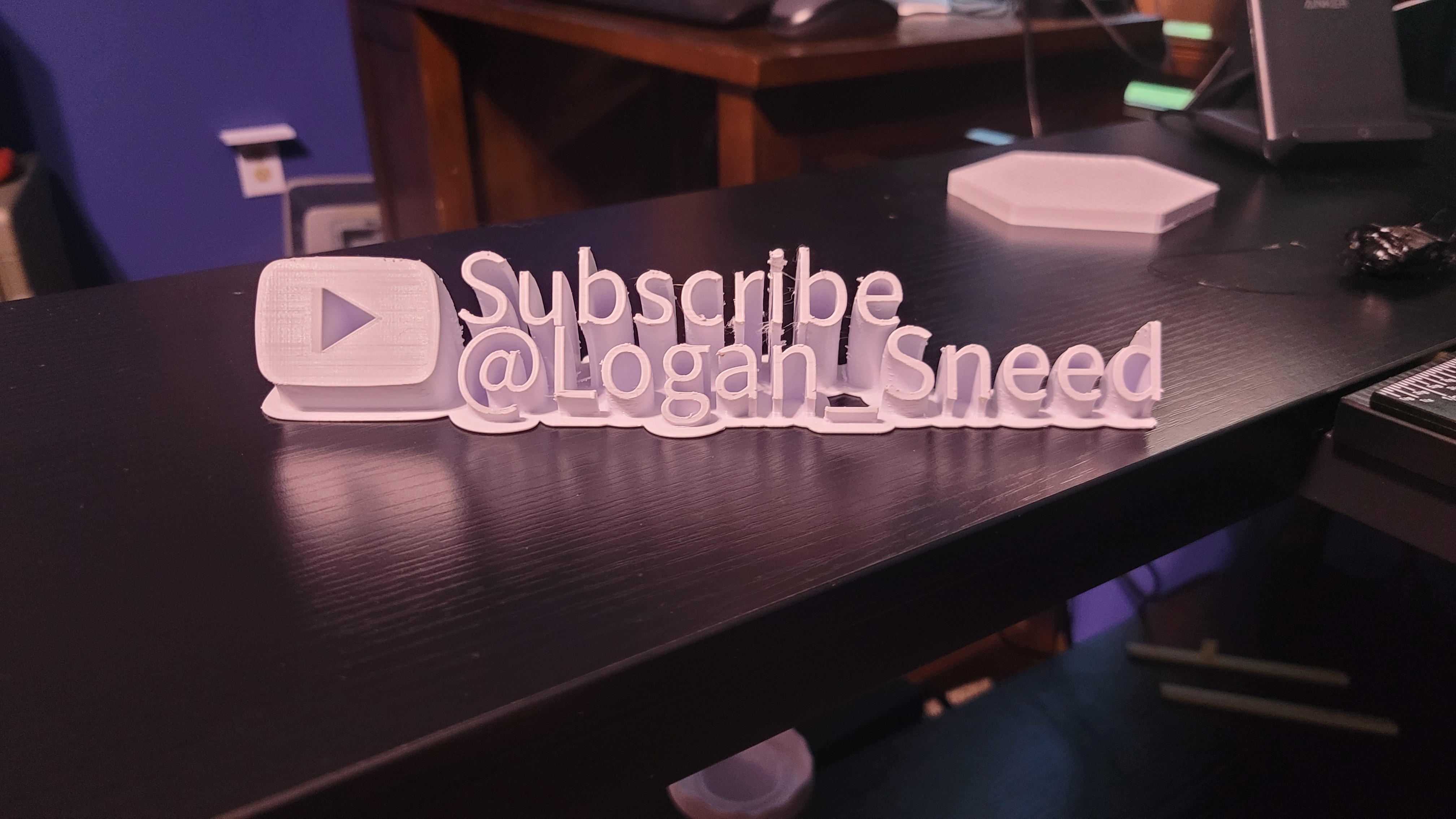
My YouTube Popup Sign: Custom sign printed on my Ender 3.